Installation & Practical Tips
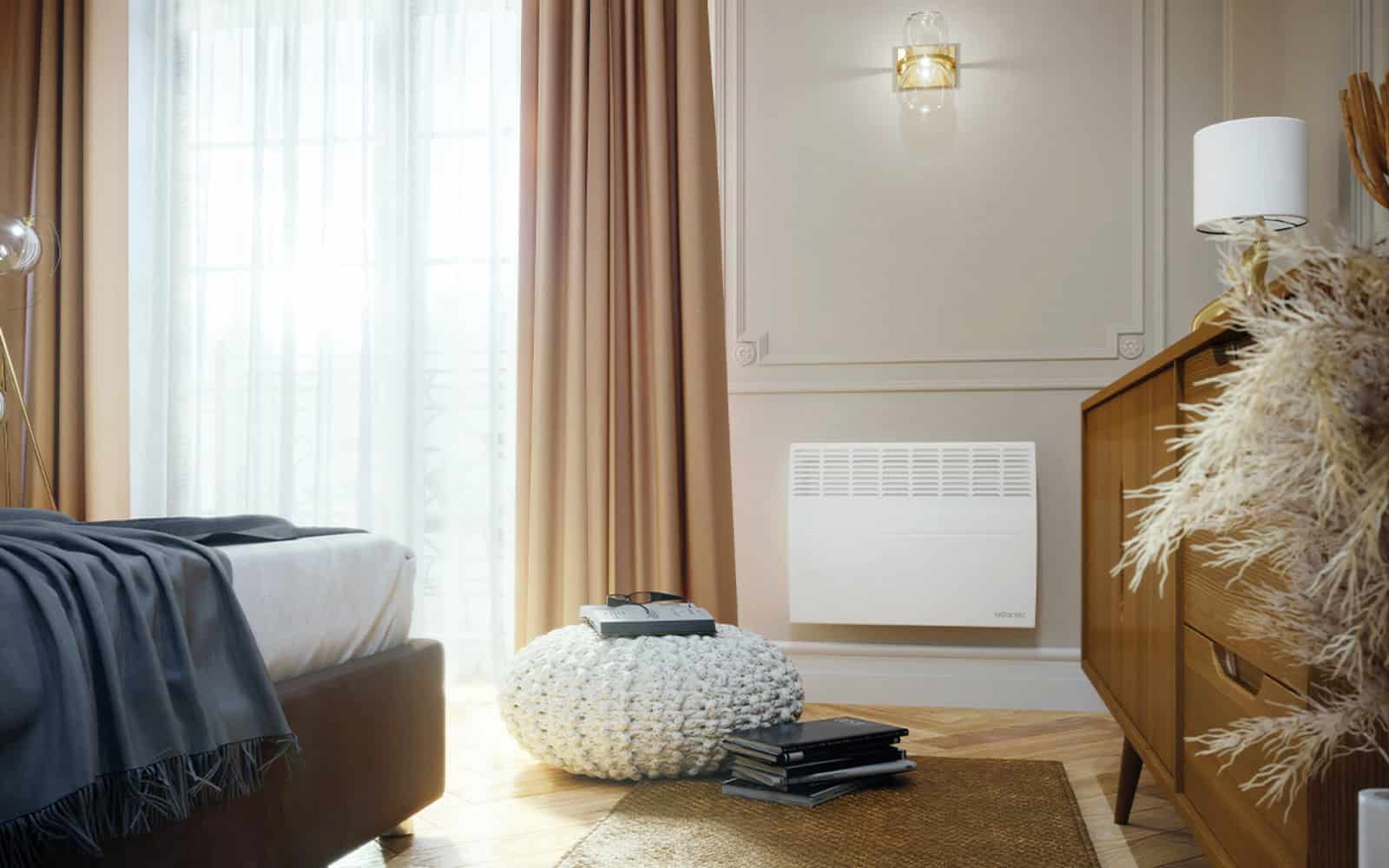
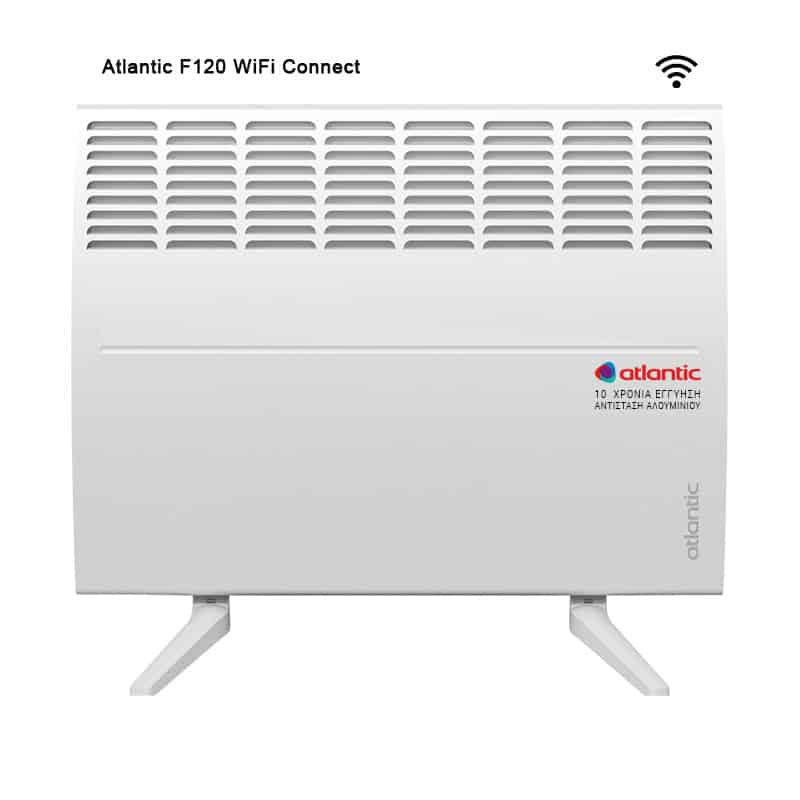
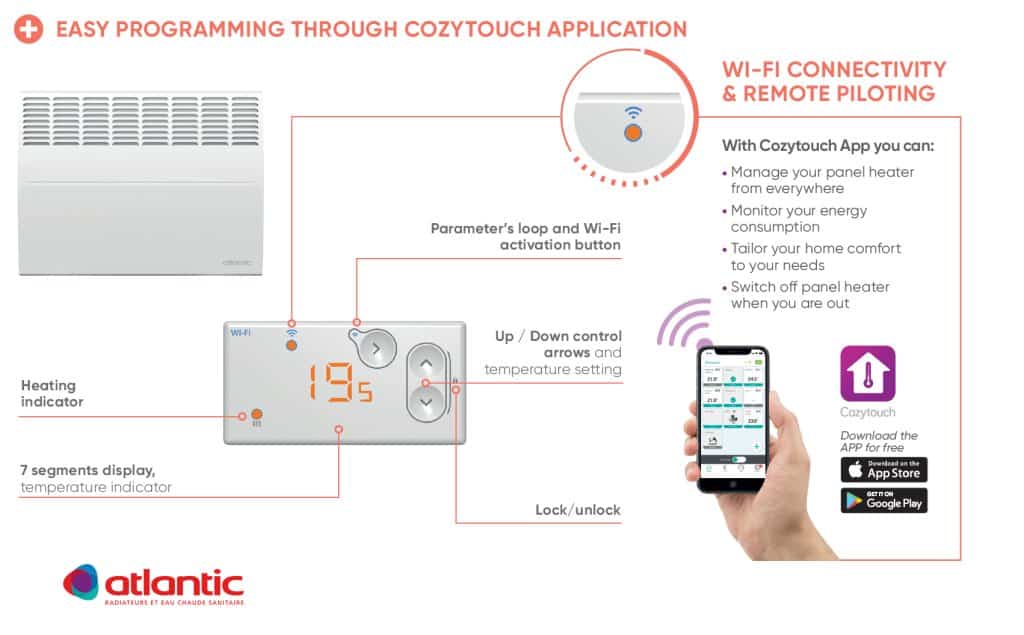
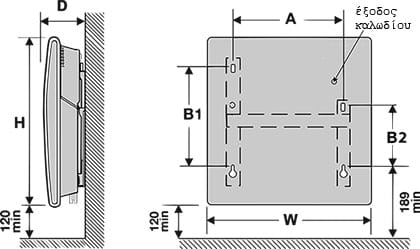
The Atlantic F120 WiFi Connect offers flexible installation for wall mounting or floor placement. Wall mount at 12cm above floor height to optimize warm air circulation through convection. The heater plugs into standard 230V outlets; no special electrical work required. Floor feet are included, enabling freestanding placement against walls or in corners. After physical installation, WiFi setup is seamless: connect to your home WiFi network and download the Cozytouch app on your smartphone. The app allows remote temperature control, scheduling adjustments, and real-time monitoring from anywhere. The F120 WiFi Connect combines HD technology infrared and convection heating with intelligent open window detection. Weekly programming enables automatic heating schedules synced with your routine. This integration of physical comfort and digital control makes the F120 WiFi Connect ideal for modern homes prioritizing convenience and energy efficiency.
Running Costs & Energy Efficiency
The Atlantic F120 WiFi Connect maximizes efficiency through connected heating. Operating at 2500W maximum, hourly costs are approximately €0.10–0.15, with monthly single-room costs typically €30–40. The Cozytouch app enables remote control, letting you adjust heating before arriving home rather than heating empty spaces. HD technology combines infrared warmth with convection for rapid room heating, reducing total operational time. Open window detection automatically reduces output when ventilation is detected, preventing energy waste. Weekly programming with Cozytouch app integration allows granular scheduling: different programs for weekdays, weekends, or specific days. Remote monitoring shows real-time energy consumption and temperature data, encouraging conservation. The WiFi connectivity transforms heating from scheduled to responsive – heating only when and where needed. For households with variable schedules or multiple occupants, the F120 WiFi Connect's smart features deliver significant energy savings beyond traditional thermostat-only heaters.
Frequently Asked Questions
How do I control the Atlantic F120 WiFi Connect remotely using the Cozytouch app?
After WiFi setup, download the Cozytouch app on iOS or Android. Log in with your Atlantic account, select your F120 WiFi Connect, and control temperature, programs, and settings from anywhere. The app displays real-time room temperature and power consumption, enabling smart heating adjustments from your phone.
What happens if my WiFi connection drops on the F120 WiFi Connect?
The Atlantic F120 WiFi Connect continues operating on its programmed schedule even if WiFi disconnects. Your pre-set weekly programs and thermostat settings remain active. Once WiFi reconnects, the Cozytouch app resumes control, but the heater never stops heating due to connection issues.
Can I set different heating programs for different rooms with multiple F120 WiFi Connect units?
Yes, if you have multiple Atlantic F120 WiFi Connect heaters, the Cozytouch app manages all units simultaneously. Create individual room schedules, adjust temperatures per unit, and monitor consumption across your entire heating system from a single app interface.
Is the F120 WiFi Connect waterproof or safe for bathroom use?
The Atlantic F120 WiFi Connect holds IP24 certification, making it safe for bathroom environments with splash protection. Combined with floor feet included in the package, it can be positioned securely away from direct water spray while providing reliable bathroom heating.
 Skip to main content